Fast receipt scanning
Receipts read on the day
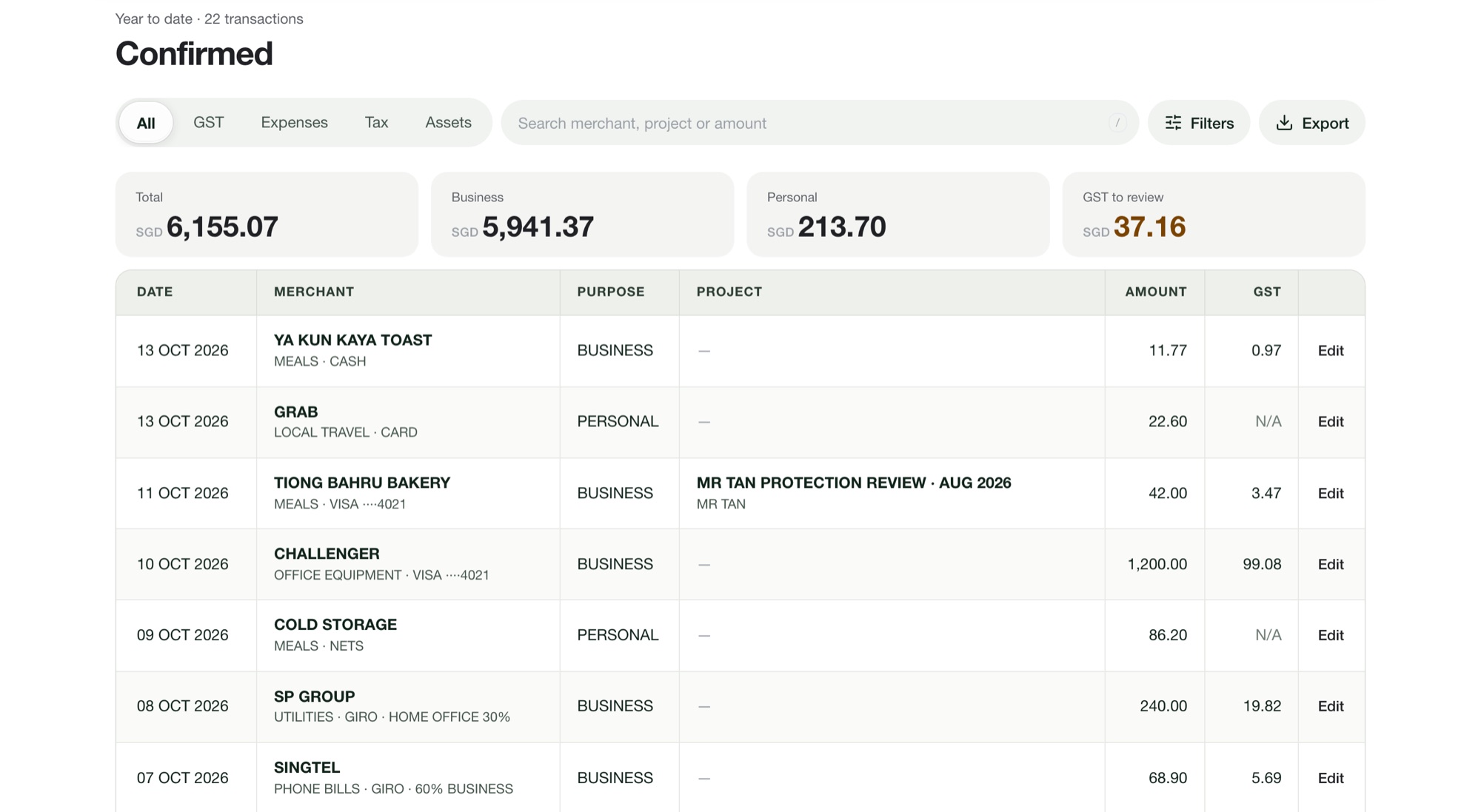
Snap the receipt or upload up to 100 at once. Merchant, date, amount and GST are read; you pick business or personal and confirm.
Fast receipt scanning › Tallycent
Financial advisers
Roadshow, client meal and gift receipts, sorted as they happen. Spend by event, and records ready for your Form B.
Fast receipt scanning
Snap the receipt or upload up to 100 at once. Merchant, date, amount and GST are read; you pick business or personal and confirm.
Fast receipt scanning ›Projects
Tag receipts to the roadshow, event or client case they belong to. Each project shows what it cost, with every receipt behind the figure.
Spend by project ›Expense statement
The expense statement totals your allowable expenses for any period. Compare it with 25% of your gross commission before you file.
Fixed ratio or actual expenses ›Whether each one is deductible depends on its business purpose. The guides below set out the IRAS rules.
The 30-day free trial is for yearly plans only. Your card is taken at sign-up and charged when the trial ends; cancel before then and you pay nothing. Monthly plans are billed from day 1.
On Pro, invite up to 2 personal assistants, 3 users in total. They upload, sort and confirm receipts. Settings stay with you. Starter is for one user.
No. Tallycent shows guidance from your answers and IRAS rules. You remain responsible for your GST returns and tax filings.